Why one systemThree things that only work
Three things that only work
when the ledger is shared.
One ledger, every department
Modules share a single chart of accounts, so a stock movement, a payroll run and a supplier payment all land in the same books without reconciliation.
1
Chart of accounts
Governed by default
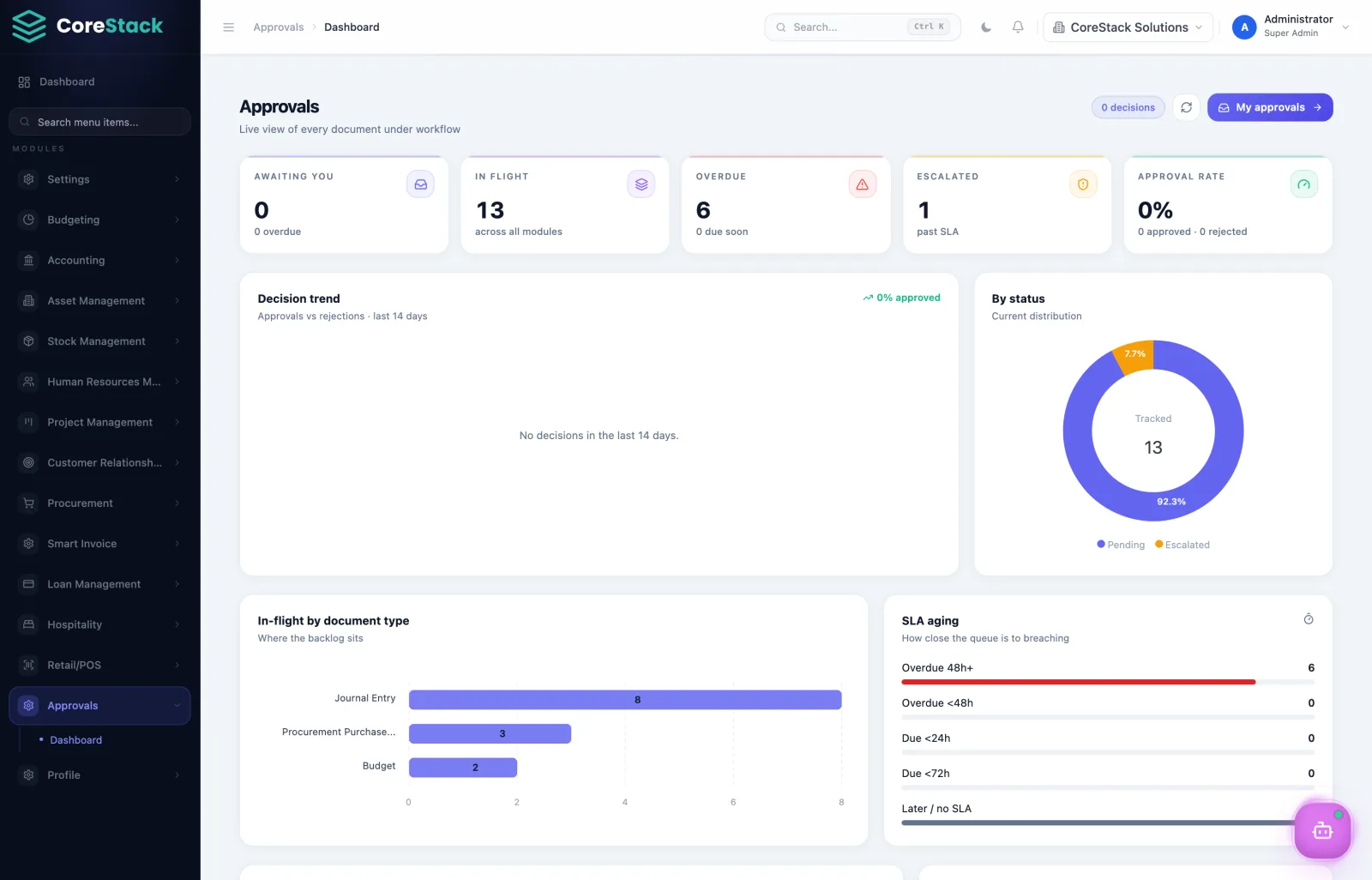
Role-based record access, configurable approval workflows and a complete audit trail on every document, not bolted on afterwards.
100%
Documents audited
Licence what you use
Each tenant is isolated with its own licensing. Start with accounting, add procurement when you need it, without a migration.
Per module
Licensing
Modules
Explore every module.
Pick a module to see what it covers and what you actually do in it.
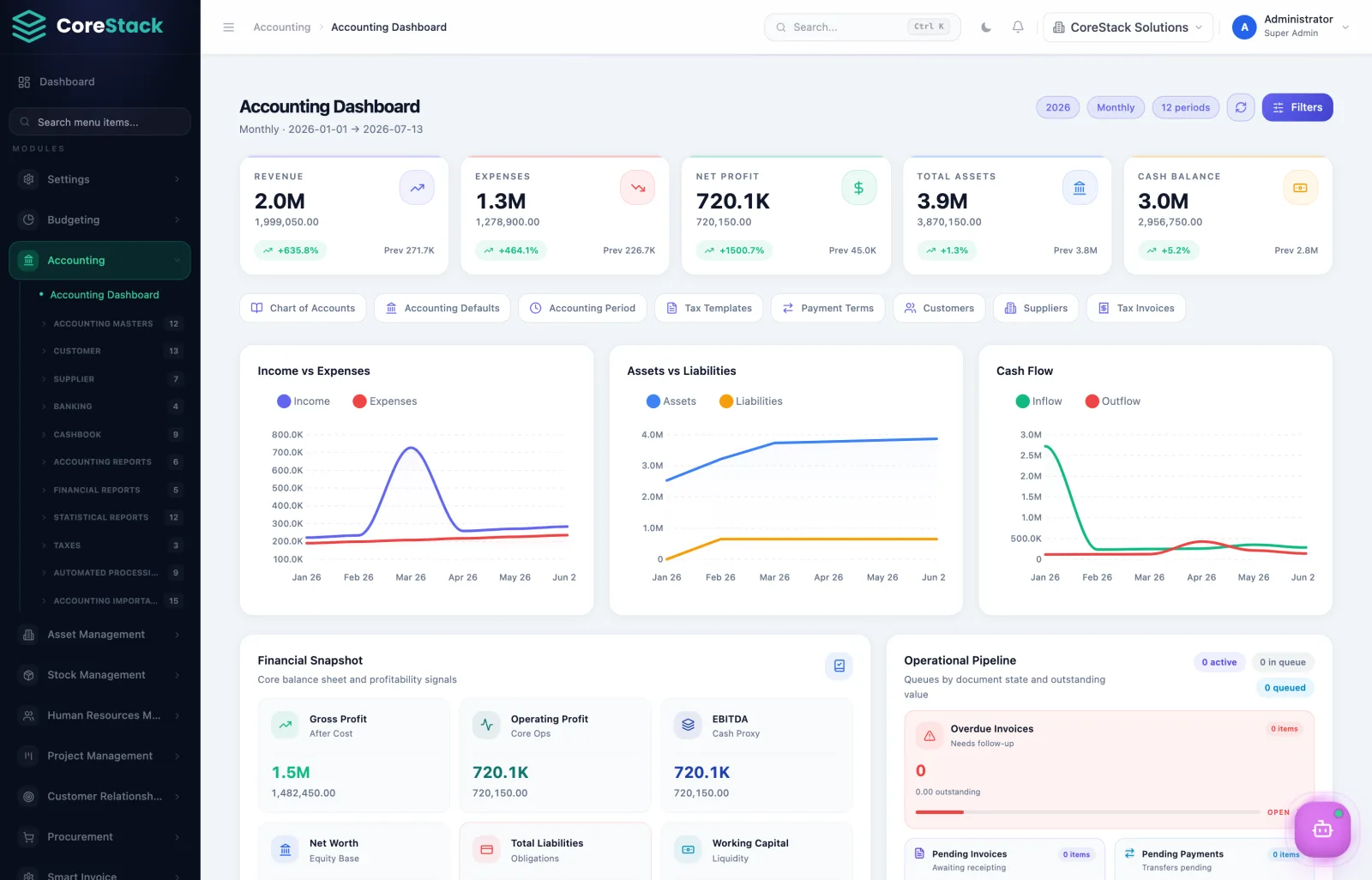
Accounting & Finance
The financial core of CoreStack.
What you do here
- 1Post a journal entry or import a bank statement
- 2Match receipts against open invoices
- 3Run the period-end close and lock the period
- 4Generate a trial balance, P&L and balance sheet
- 5Allocate costs across cost centres
- 6File VAT input/output schedules
Covers
- General ledger & journal entries
- Accounts receivable & payable
- Banking, receipting & invoice matching
- Accounting periods & cost centre allocation
- Imprest & petty cash control
- Payment requisitions & payment terms
- VAT input/output & tax schedules
- Auto-processing & auto-invoicing
Ships with 34 built-in reports.
Screens
Built for daily use.
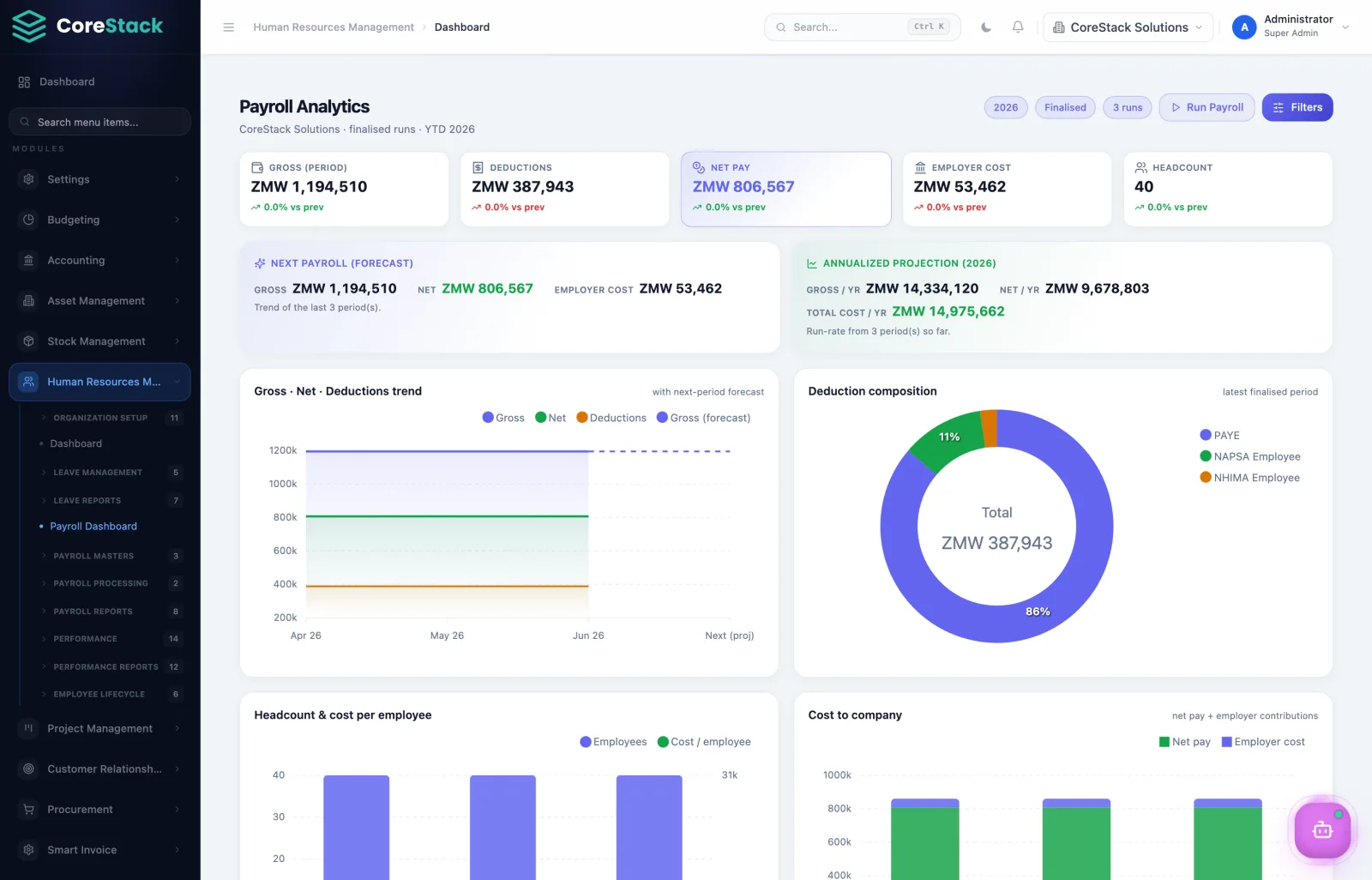
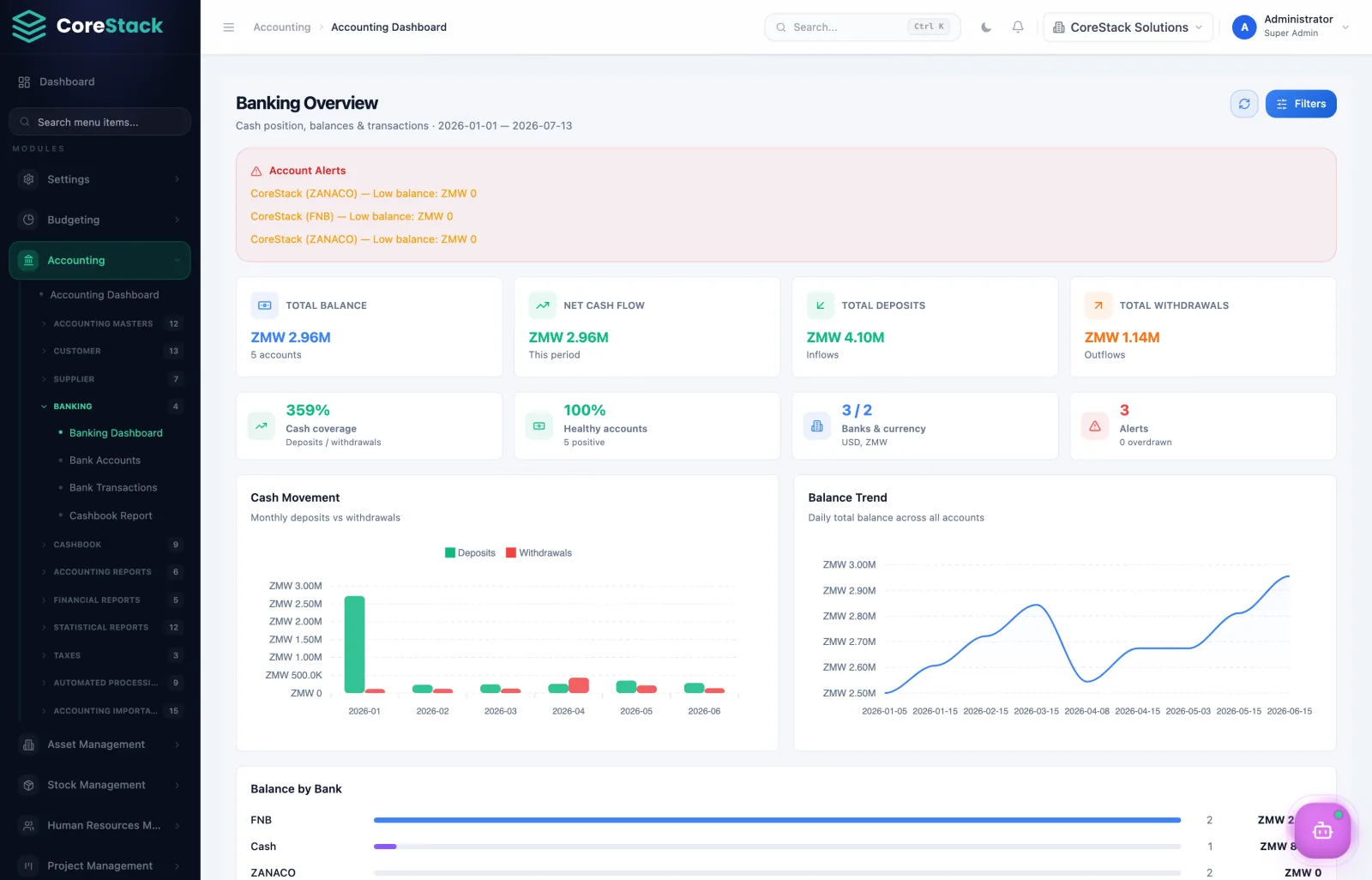
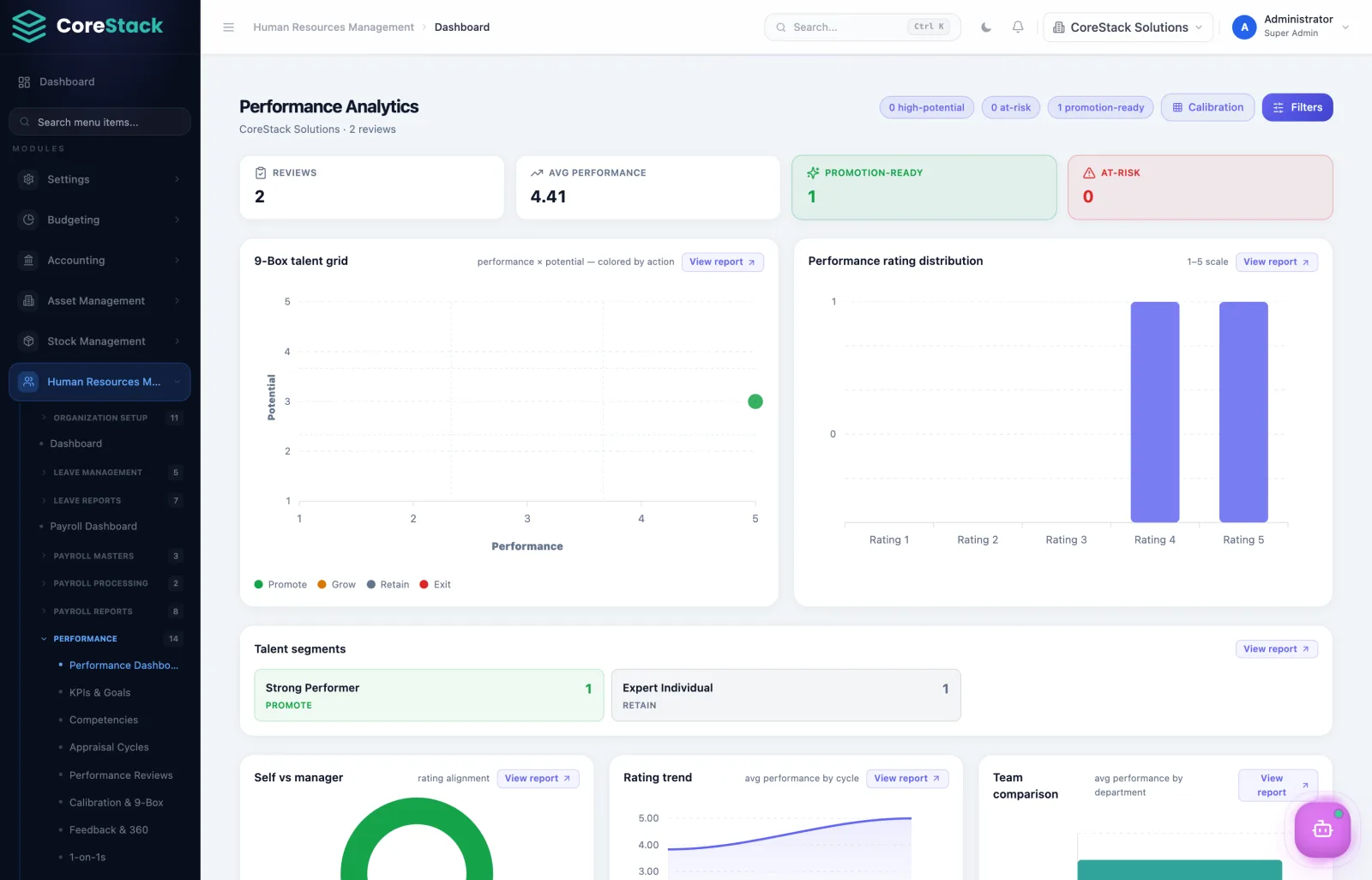
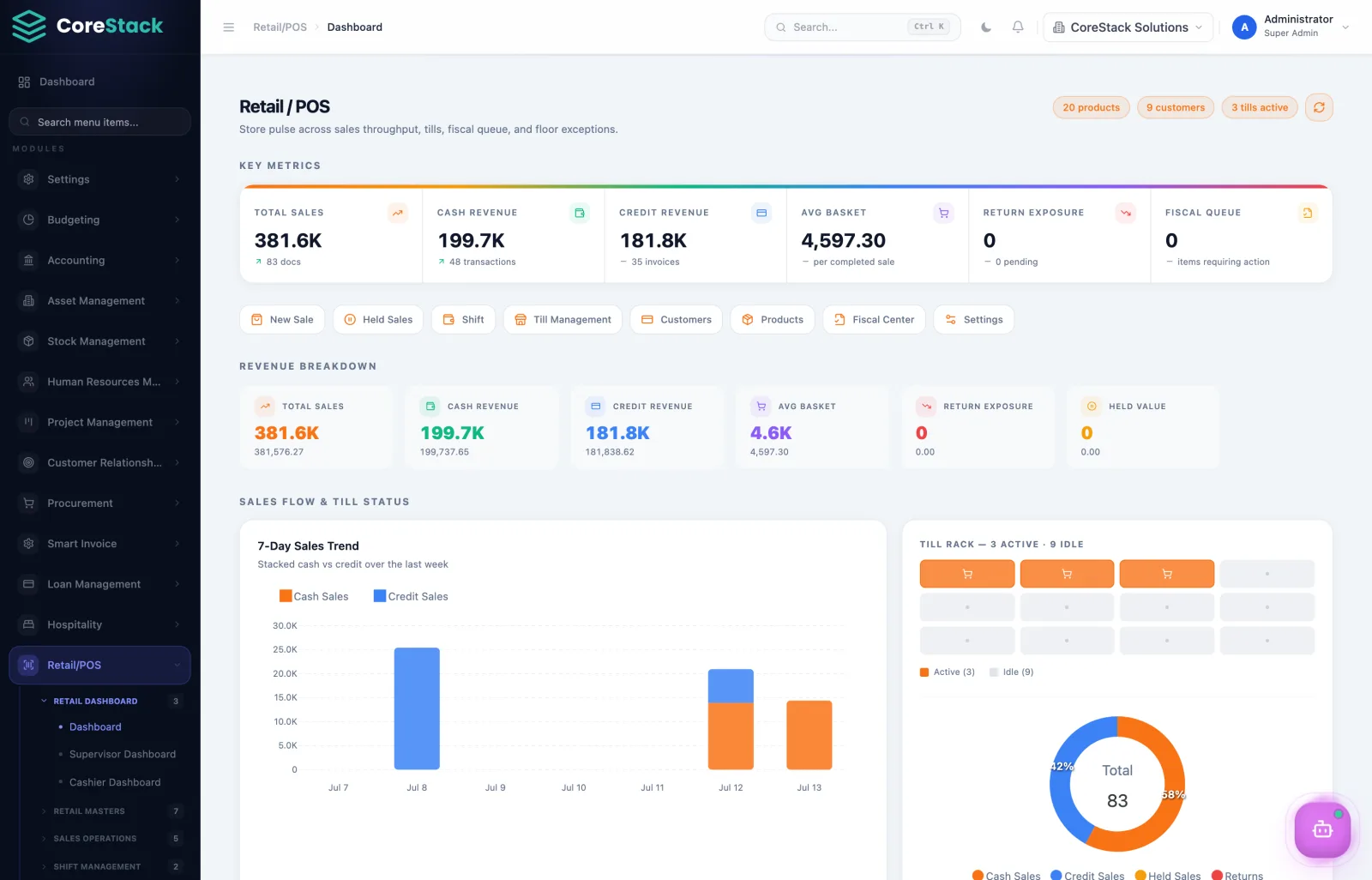
Dashboards, approvals and reports across the platform.